Separate composition from style in AI concept art
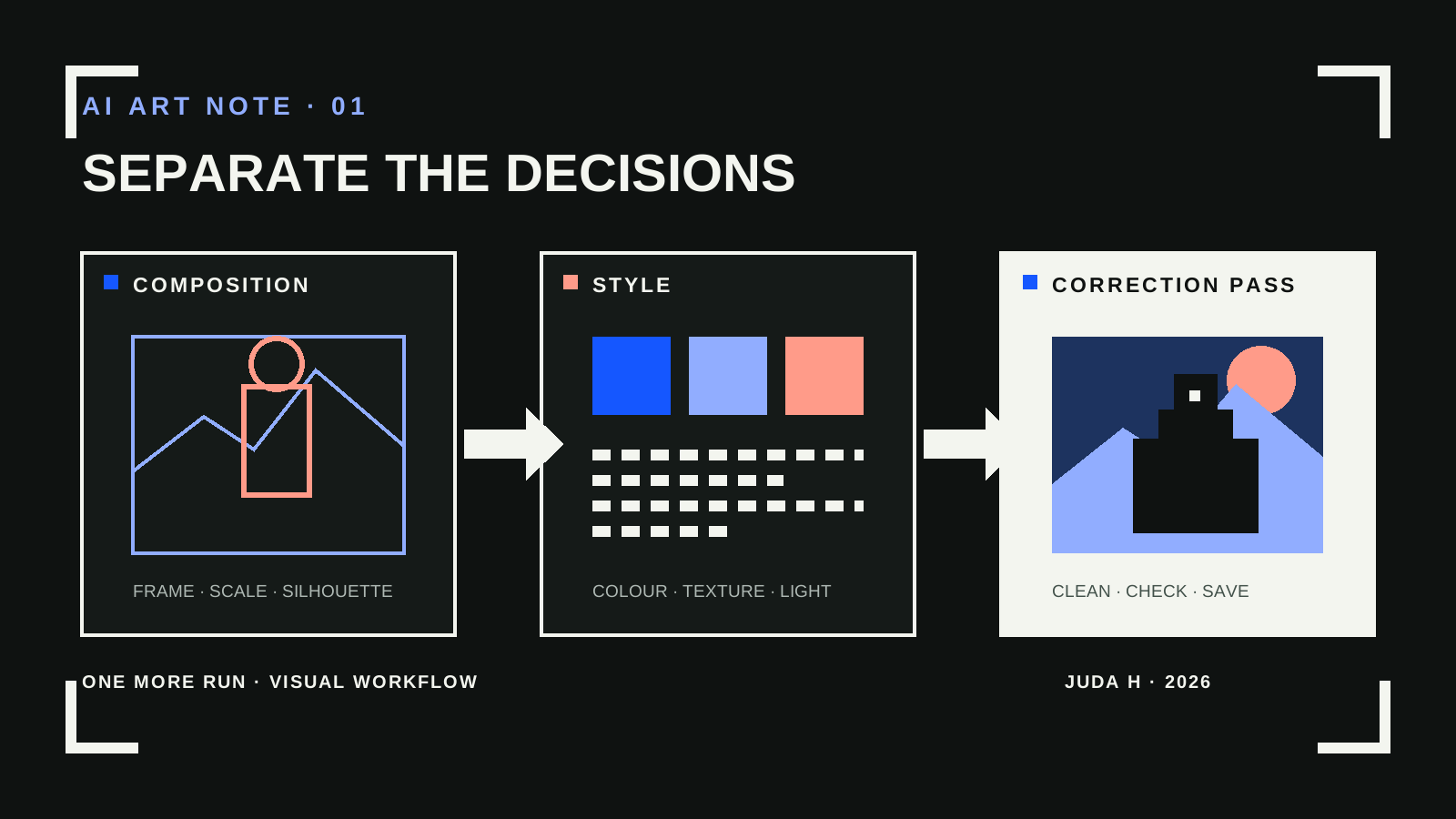
A single prompt has to describe the subject, framing, colour, texture, and lighting at once. Giving composition and style separate references makes each decision easier to see and revise.
Start with composition
Adobe Firefly’s Composition reference uses the outline and depth of an image to guide how elements sit in the frame. Its Strength control changes how closely a variation follows that reference.
A rough blockout is useful when the question is placement. Keeping it simple makes the pose, silhouette, and camera angle easier to judge before surface detail gets in the way.
Set the visual language separately
A Style reference guides colour, texture, and lighting. Reusing one approved reference gives related images a common point of comparison, but it does not remove the need to correct the result.
Correct the result as an asset
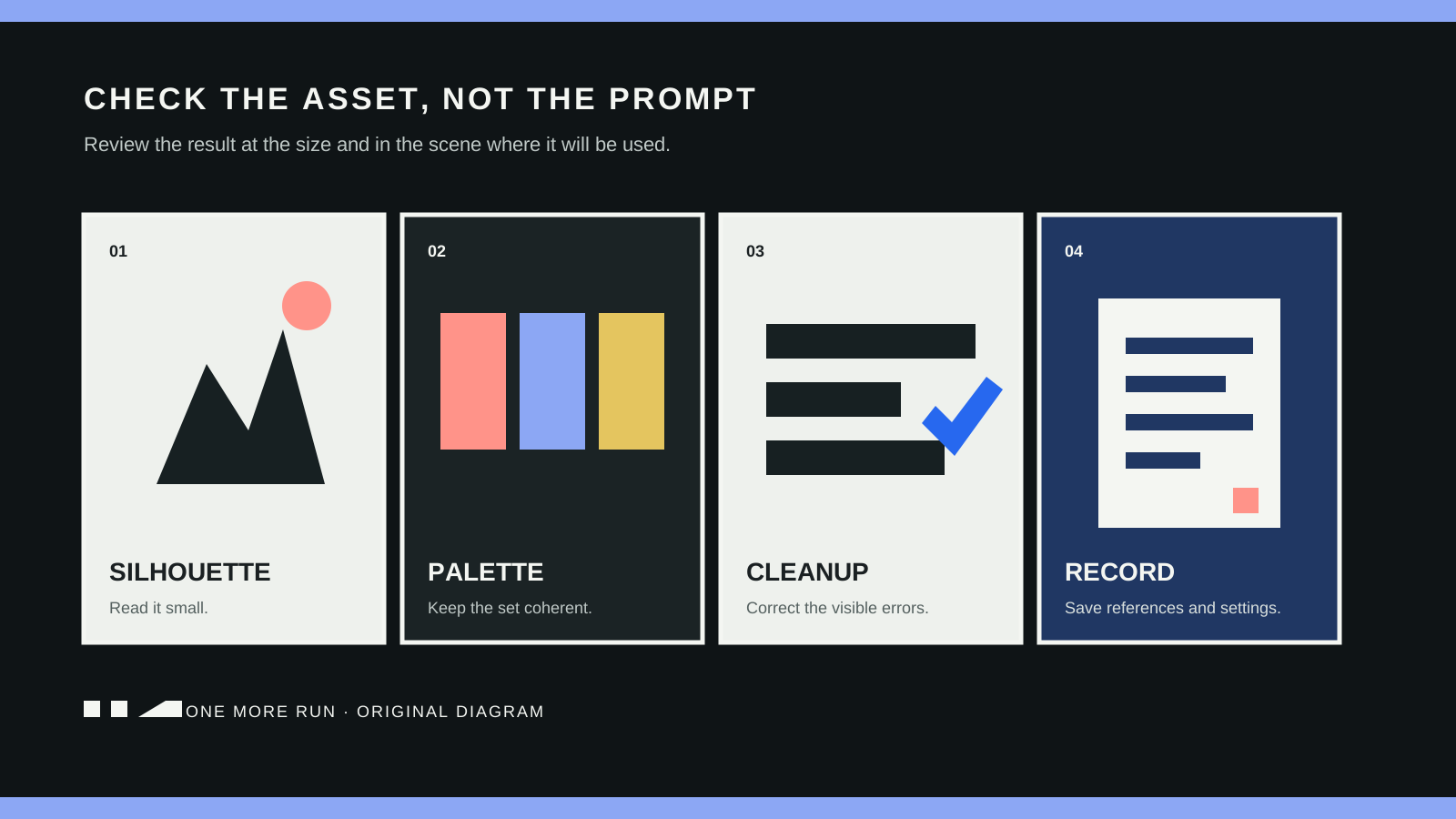
Check the silhouette at its intended size. Remove details that merge or become unreadable. Save the prompt, both references, and the strength settings beside the selected image so the next revision starts from the same constraints.
Write down what each reference controls
Before generating, describe the composition reference in spatial terms: camera height, subject position, empty space, foreground overlap, and the direction of movement. Describe the style reference separately: palette, edge quality, surface texture, contrast, and lighting. If the same adjective appears in both lists, decide which reference is actually responsible for it. This prevents a revision from changing the camera while you are trying to fix colour.
Reject the image before polishing it
Judge the first useful output in three passes. First, shrink it to the size it will occupy in the game and check whether the subject still reads. Second, cover the surface detail and look only at the large light and dark shapes. Third, compare the result with the approved game palette and existing assets. A composition failure should go back to the blockout. A surface failure should go back to the style reference. Local drawing and paint corrections belong at the end, after the image has passed both checks.
Keep the rejected outputs beside a short reason such as “camera too high” or “background contrast steals the focal point.” That record is more useful than a folder of unnamed variations because it tells the next attempt which control to change.