Compare two action timings without overwriting either one
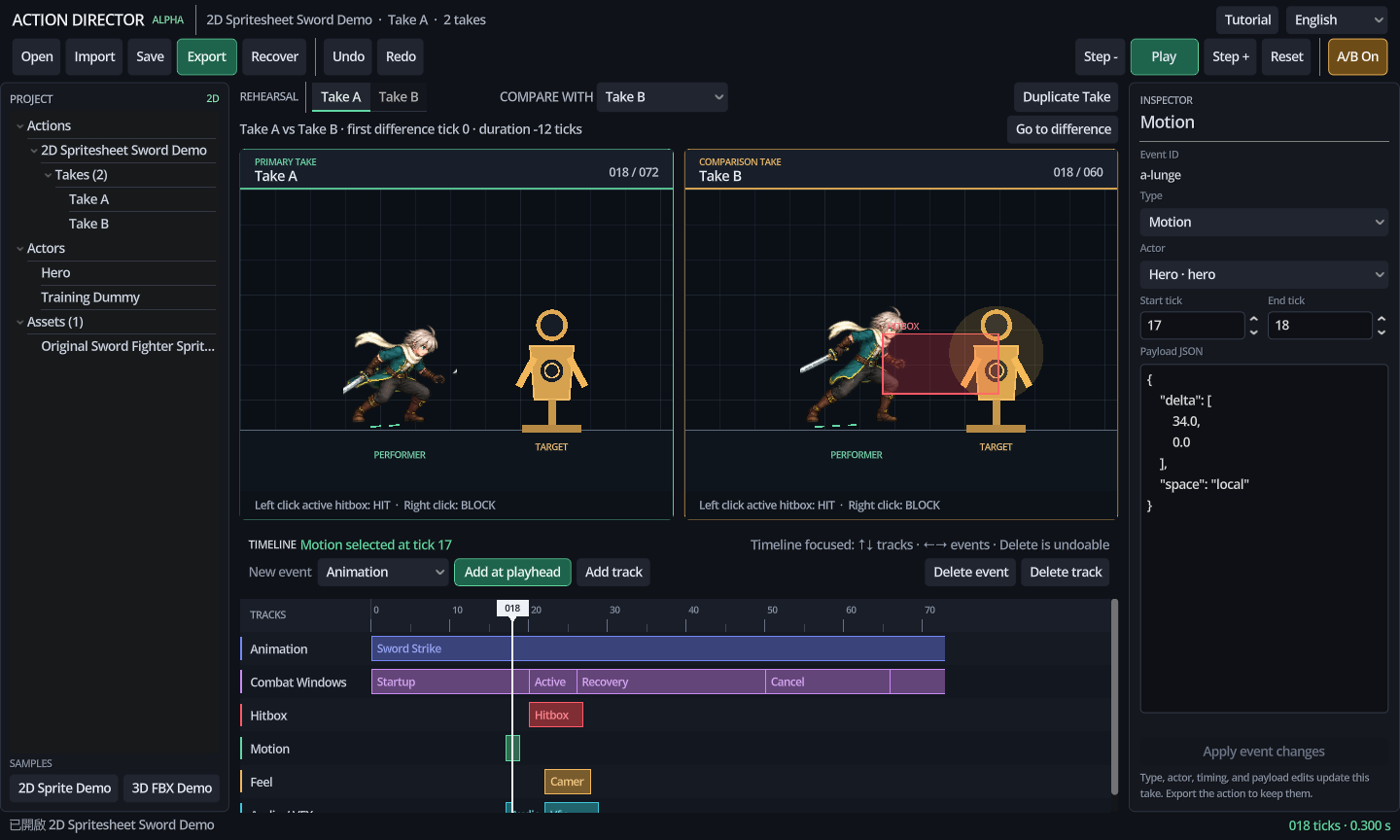
When a timing edit replaces the previous version, the comparison depends on memory. Action Director keeps two saved takes on one timeline so the difference stays visible.
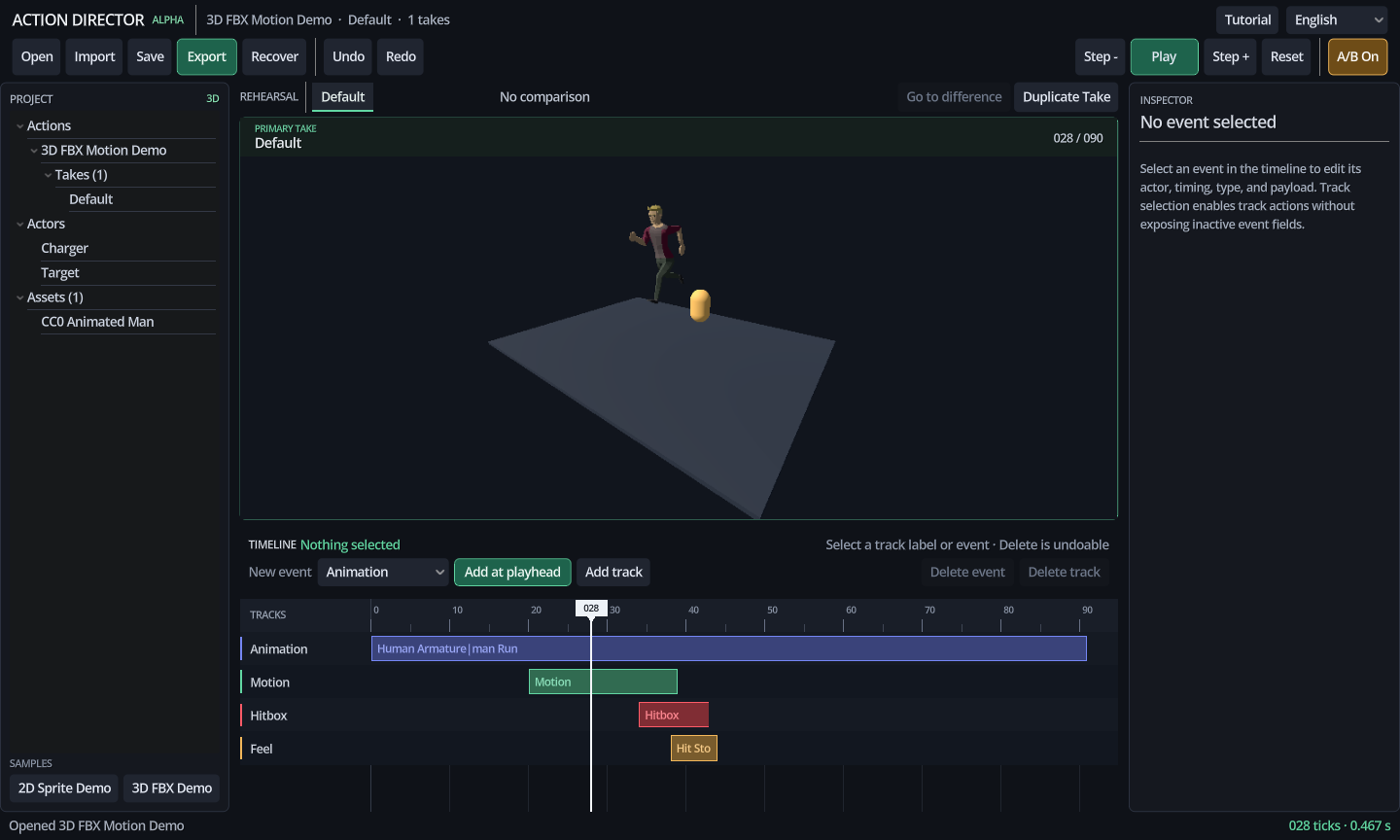
Save the version before changing it
Each take holds one version of the action. A new timing can be tested in the second take without erasing the first one.
Compare the same moment
Both previews use the same point on the timeline. If one take has reached contact while the other is still preparing, the timing change is visible without switching between separate files.
Keep the comparison focused
The tool is meant to answer a small question: what changed between these two versions at this moment? Keeping the test narrow makes it easier to decide which timing to retain.
Run one question through both takes
- Name the event.Choose contact, anticipation, recovery, or another single readable moment.
- Park the cursor before it.Check whether both takes begin from the same pose and state.
- Move through the event.Compare when the visual change starts, when it becomes readable, and when control returns.
- Write the difference.Record the changed timing rather than a vague preference such as “Take B feels better.”
The shared cursor does not pick a winner
Two previews can expose a timing difference without proving which take belongs in the game. A faster contact may improve responsiveness but weaken anticipation. A longer recovery may add weight but hold control too long. After finding the difference, judge it against the intended action: what must the player read, what must feel immediate, and where can the animation spend time?
If several timings change at once, save another take instead of forcing one comparison to answer everything. One pair can test anticipation. Another can test contact and recovery. Narrow comparisons leave a reason you can revisit after the surrounding animation changes.