Rotwood updates
Rotwood Updates
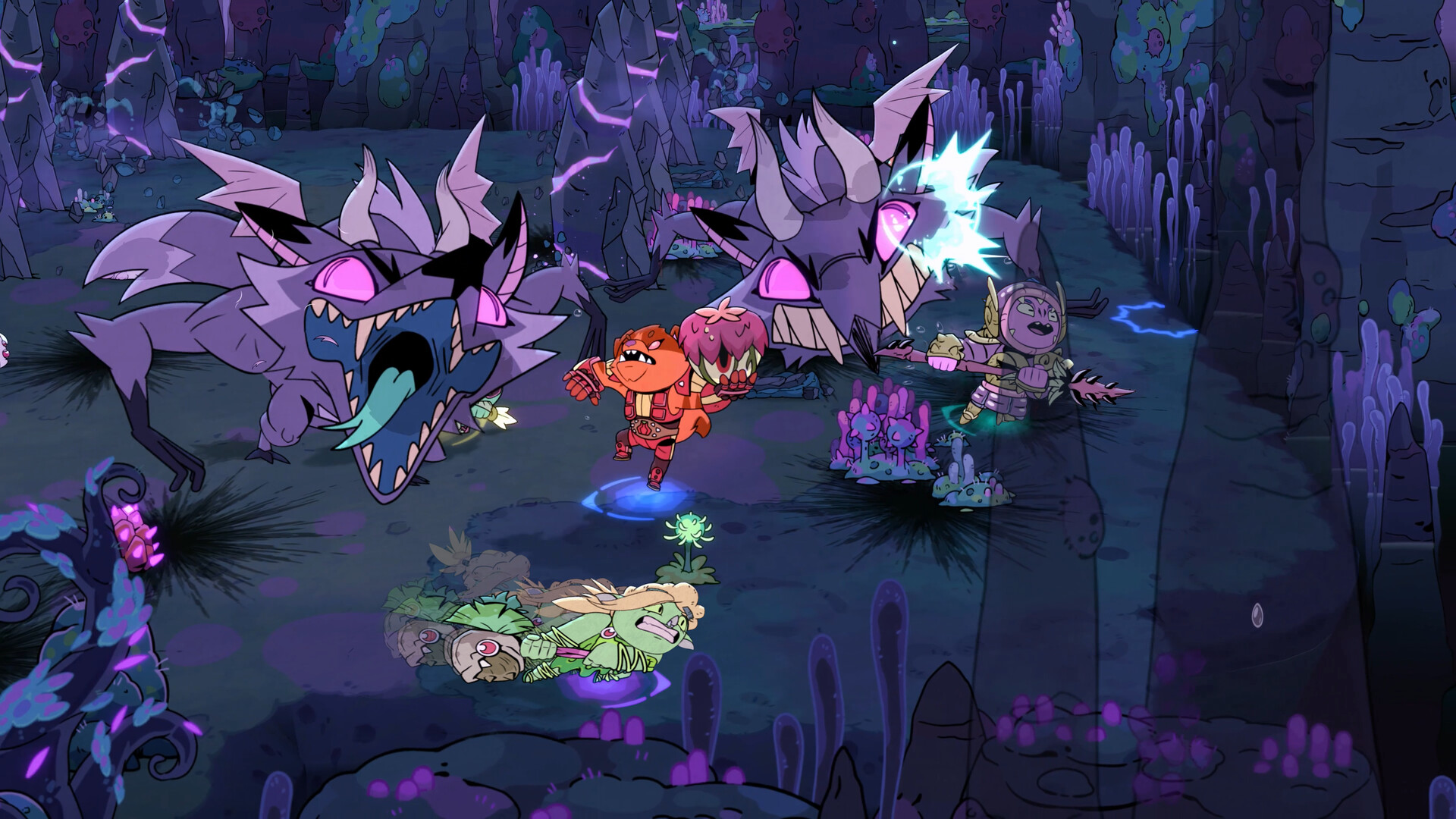
Rotwood patches can move the timing of a familiar hunt without changing its entire shape. Start with the affected system, then adjust the entry, punish, reset, gear, boss, or co-op decision that depends on it.
Latest Rotwood update guide
Where a Change Reaches the Hunt
Route impact
Find the Layer That Moved
Do not rewrite every build from one patch note. Find the layer that changed the next hunt first, then adjust the smallest guide recommendation that actually moved.
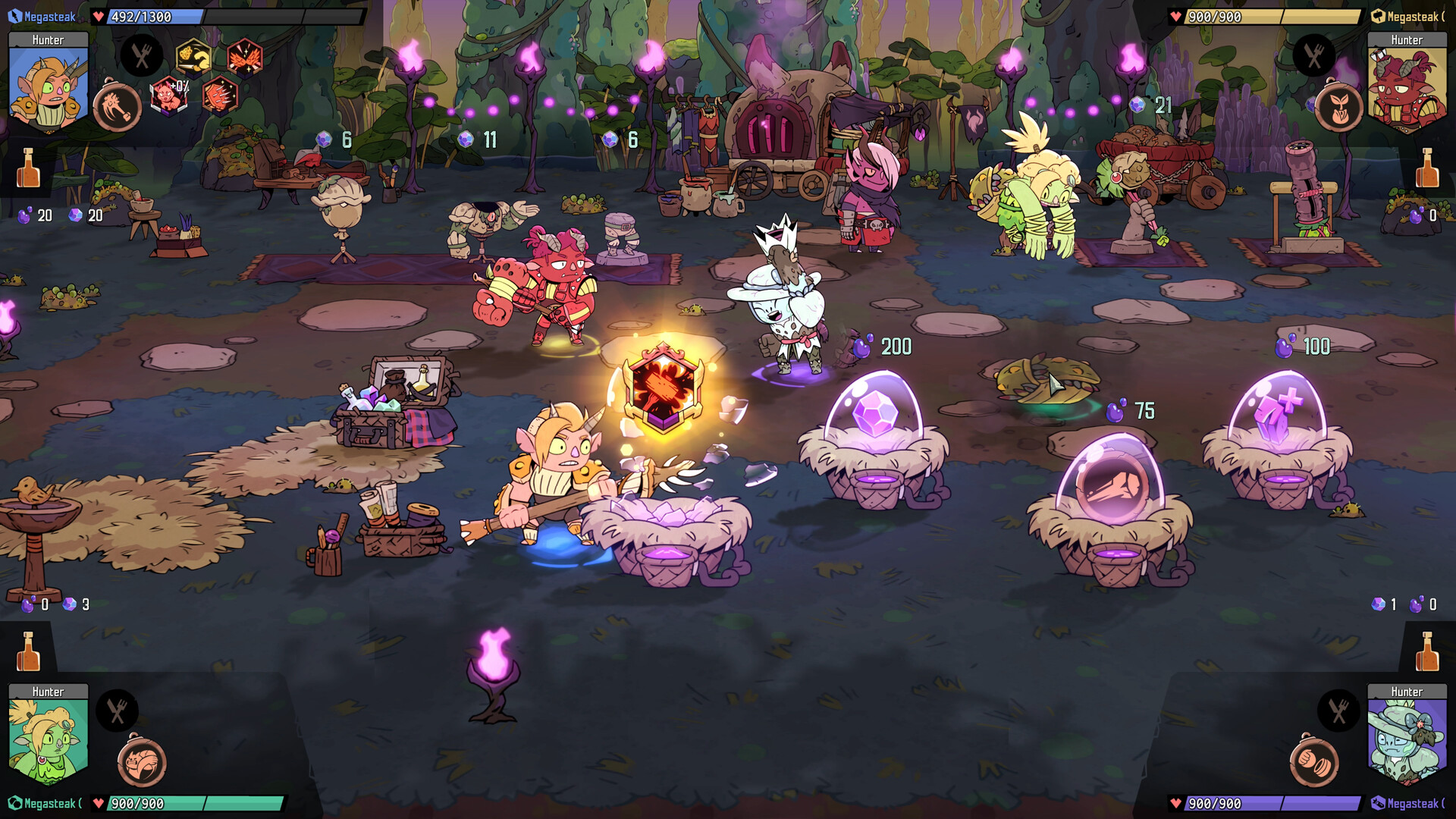
Patch triage
Trace the Change Through the Route
When a familiar hunt starts feeling different, follow the change from the patch note to the exact moment it affects.
- Name the changed layer: weapon timing, build direction, gear value, boss pressure, co-op behavior, or progression terms.
- Replay the old rule against one hunt before replacing the whole route.
- Open the guide whose decision actually changed first.
- Change one weapon timing, gear choice, boss punish habit, or co-op spacing rule at a time.
- Treat Frenzy, Gift, unlock, item-cost, and hidden-value details as advanced route questions; keep the next run focused on the visible layer that changed.
Guides Most Likely To Change
Route Reference
Start here when an update changes the full failure-to-guide decision path.
BeginnerBeginner Guide
Early hunt safety, first-room target order, and first upgrade choices.
Build directionWeapon Role Guide
A weapon's safest job after timing or value adjustments.
CombatWeapons and Combat
Entry, punish, reset, dodge, and target priority.
GearGear Upgrade Guide
Upgrade timing and the support value that fixes the next failure.
BossesBoss Prep Guide
Attacks, punish windows, and safe delay rules.
Co-opCo-op Roles Guide
Rescue timing, spacing, and team coverage.
Patch impactPowers-A-Plenty Update Guide
Weapon powers and power-family support after Powers-A-Plenty.