Chef Knight updates
Chef Knight Updates
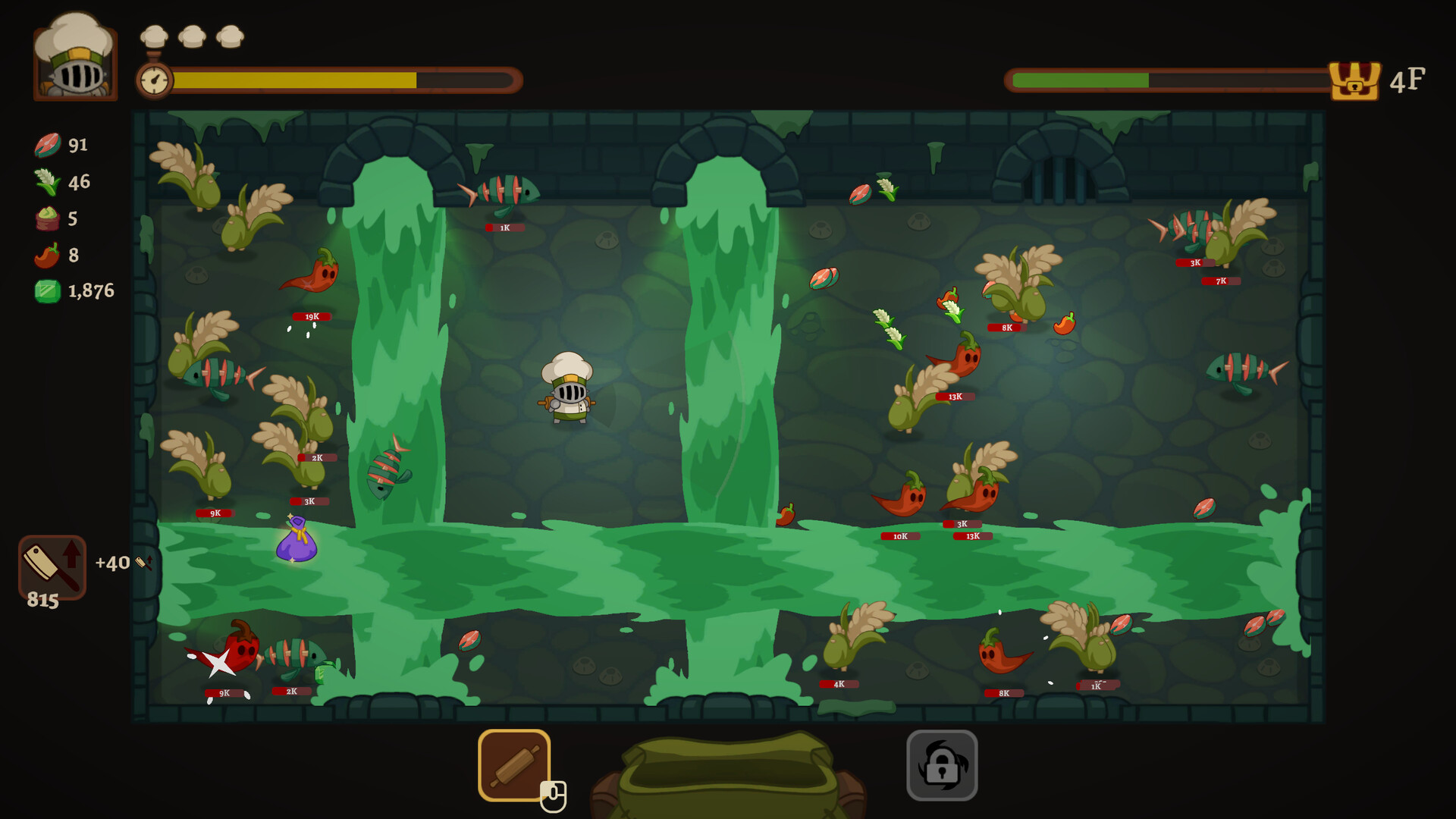
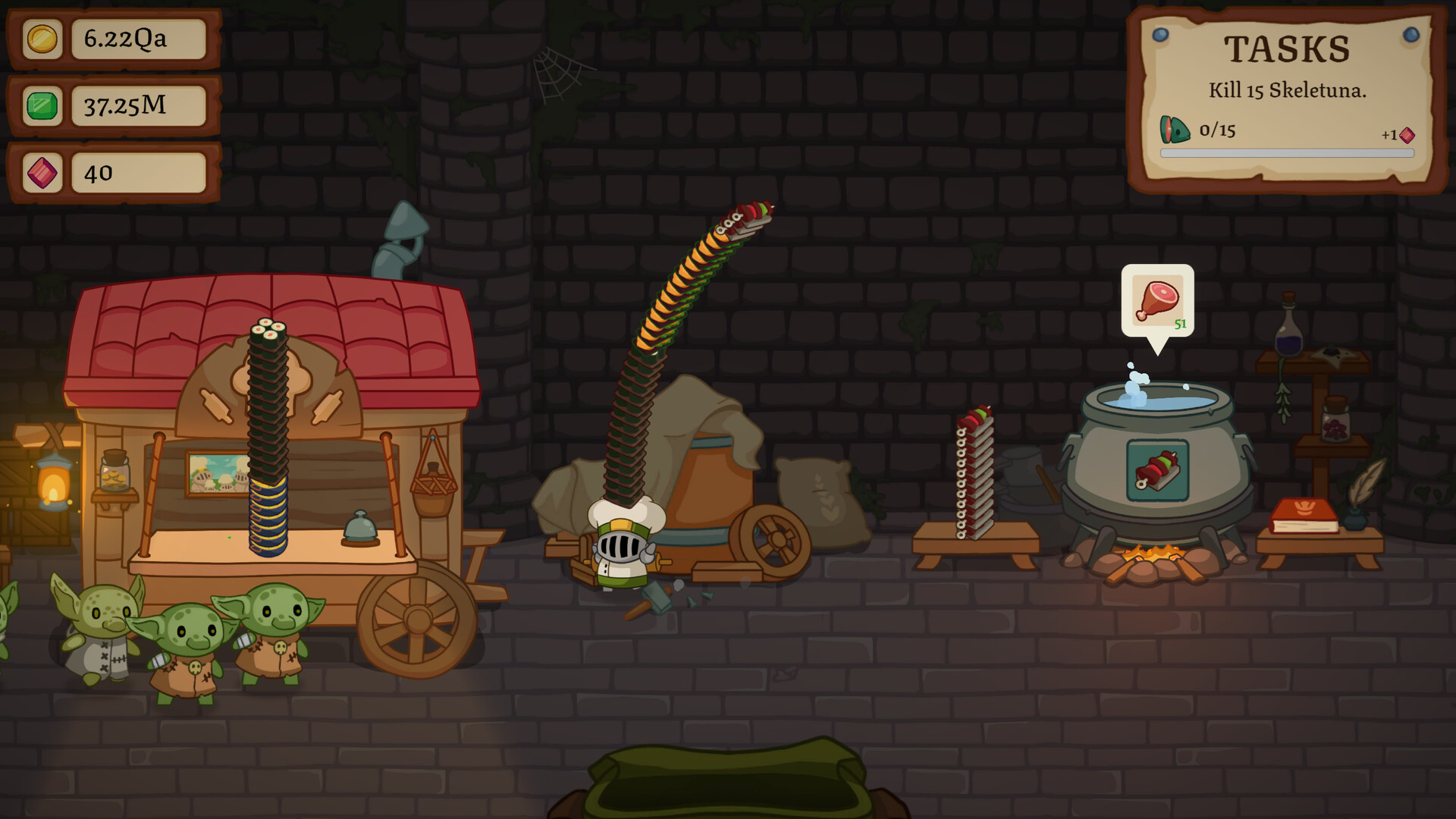
An update can move the bottleneck without changing the whole loop. Follow the chain from dungeon supply to ingredient conversion, cooking, customer flow, selling, and the next spend; the first layer that no longer keeps pace is where the route needs to move.
Where an Update Reaches the Loop
Common Mistake: Fixing the Last Visible Delay
A full counter can look like a selling problem even when the dungeon brought back the wrong ingredients. A slow upgrade can look like a money problem when meals are still waiting in the kitchen.
Launch week
Latest Chef Knight impact guide
Start with the launch-week guide if you want to know which existing Chef Knight page to open first after release.
Route impact
Find the Layer That Moved
After an update, start with the layer that feels different instead of rebuilding the whole route.
Patch triage
Trace the Change Through One Loop
When an update makes the loop feel different, keep every working handoff still and change the first layer that no longer keeps pace.
- Name the layer touched by the update: dungeon, ingredient, cooking, customer, money, or upgrade.
- Run one familiar loop and watch where supply stops becoming money.
- Change the dungeon route, counter habit, money choice, or upgrade spend responsible for that break.
- Keep the remaining handoffs intact so the next loop stays readable.
- Use prices, rewards, and timers only when they clearly change the route pace players feel.
Where Each Change Lands
Route Reference
Start here when an update changes the full dungeon-to-counter chain.
BeginnerBeginner Guide
Early loop, first upgrade, and route pacing.
DungeonDungeon Route Guide
Drop supply, route safety, and depth pressure.
KitchenIngredients and Cooking Flow
Ingredient conversion, cooking flow, and recipe pacing.
CustomersCustomer Flow and Selling Speed
Counter speed and sales timing.
UpgradesUpgrade Priority Guide
Costs, unlocks, and the spend that moves the slowest layer.