

Romestead guide
Romestead Common Mistakes Guide

If a station or repeated settlement job stalls, check the required inputs, any fuel, building conditions, and delivery route as possible causes. Compare a direct repair with what another project or objective would provide. Combat, god objectives, or an automation unlock may be the relevant next step; choose from the blocker and failure costs you can actually identify. This diagnostic checklist does not estimate how often beginners fail for any particular reason.
When a Busy Settlement Goes Nowhere
A settlement can look busy while a particular job remains blocked. When that happens, identify the unfinished output: food, a required crafting input, recovery supplies, or an objective unlock. Trace that job rather than inferring the cause from how busy the town looks or assuming that every night punishes unfinished work.
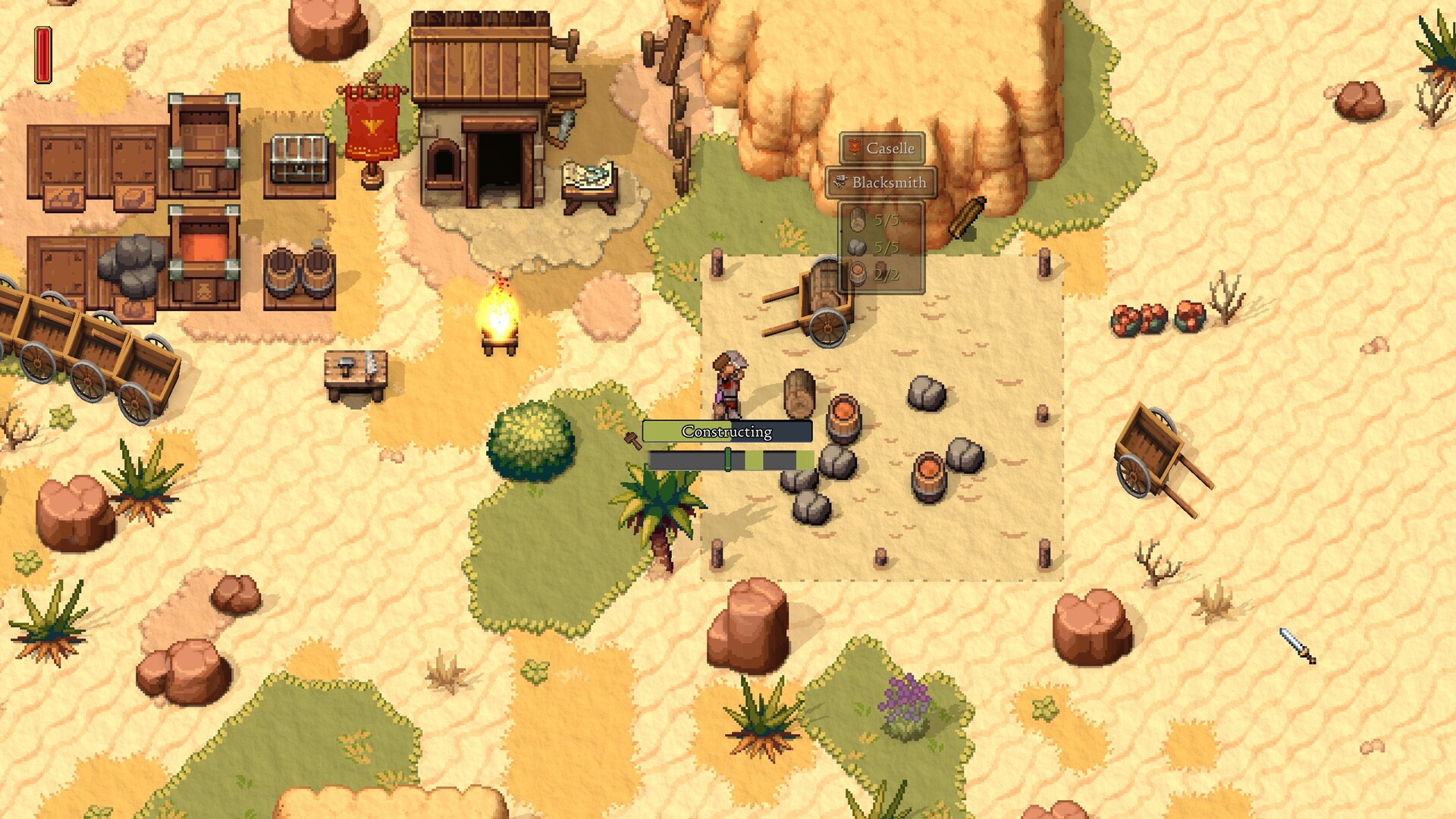
Name the stalled job and compare a direct repair with the purpose of a new project or objective. An unlock or deliberate scouting attempt can be worth choosing even while another loop remains unfinished; weigh the supplies and failure or retreat costs you are prepared to accept.
One-Minute Settlement Triage
If a settlement job has stopped, trace that job before selecting a repair, expansion, or unlock. A symptom can have several causes; start with the required output and confirm what is missing.
Mistake Diagnosis Table
Choose a Response for a Stalled Settlement
Pick the check that matches the observed problem; different jobs can call for different next actions.
- Compare expansion with a direct repair. If a settlement job is behind, compare how another station, shrine objective, or trip would address that specific job before committing supplies.
- Check food and recovery when they are relevant. Prioritize them when an actual shortage, present threat, or recovery need blocks the plan; otherwise investigate the stalled job or objective unlock.
- Trace the exact recipe item. Confirm its required form and quantity in your build, then follow its actual source to the station.
- Diagnose before moving storage. Check fuel where relevant, the building's operating conditions, and any Material Storage connection; shorten manual hauling only if that is the bottleneck.
- Assign one next objective. State whether the next objective is supply repair, an unlock, or scouting, then agree on the supplies and costs you accept.
Compare the Next Commitment
If you prefer conservative preparation, delaying an objective can leave time for a supply or recovery repair. A new objective may instead provide an unlock or a deliberate scouting opportunity. Compare its purpose, required supplies, and acceptable failure or retreat costs; making the next day harder does not by itself prove that the choice is wrong.
Solo Mistakes
If a solo route is losing time to repeated walks, check whether an extra building or distant pile is creating the delay. You do not have spare hands to fix a messy town while you explore, craft, and defend. Keep repeated storage easy to find, and plan trips around the actual threats, supplies, and recovery needs. Returning before every night is not a universal gate for exploration or progression.
Co-op Mistakes
Co-op does not automatically make Romestead easier. More players also means more loose materials, duplicate jobs, and half-started projects. The group needs one shared priority for the next day cycle.
After an Update
Romestead Early Access updates can change route value quickly. When food, hunger, boss resets, the Logistics Tent, gates, storage capacity, task priority, or citizen behavior shifts, the old muscle memory can become the mistake. After a patch, find the first changed bottleneck and rebuild the day around it.
Where the run starts to slip
FAQ
What is the first mistake to fix in Romestead?
Start with the job that is actually blocked. Check food or return timing when shortage or a present threat makes them relevant; for crafting, check its required inputs, any fuel, building conditions, and source connection. Select the next action from that evidence rather than imposing the same food-and-night gate on every run.
Should I build more stations when progress feels slow?
An extra station will not fix the same missing prerequisite. Check the selected recipe's exact items, fuel where relevant, and that building's operating conditions. If the crafter uses Material Storage, check its Logistics Tent connection. Shorten a manual carrying route only after confirming that distance is the blocker; add capacity when the existing chain works and you actually need more output.
Why does co-op feel harder than solo sometimes?
If co-op jobs are duplicated or unowned, agree on one shared priority and allocate the required work. Include recovery or defense when a present threat makes it relevant, then review the observed bottleneck.
Before Moving Storage: Check the Stalled Job
Owning resources does not prove that a particular recipe is supplied. Match the selected recipe's exact item names and required form in your build. For example, a raw material is not a substitute when the recipe asks for a processed item. Then check fuel where relevant and the operating conditions of that building, including a citizen assignment if it requires one.
Fuel is a separate check from hauling. The August 31, 2026 Autumn Update 0.26.1 notes report fixes for the upgraded Blacksmith furnace sometimes rejecting coal and the Brick Oven furnace sometimes ejecting logs. These are named historical examples, not a universal fuel recipe or a claim that those bugs still occur.
For an automated crafter, check the intended connection instead of assuming that a nearby pile or ordinary chest counts as its source. September 2, 2026 patch 0.26.1_4 lets crafters take items from Material Storage using the Logistics Tent connection; the September 18 developer recap confirms the storage change. This does not establish an unlimited connection range or instant delivery.
Progression and raid scope, revised October 5, 2026. The June 1, 2026 hotfix 0.25.1_7 made the Logistics Tent a Guardian of Minerva reward to bring automation earlier. A tidy, fully stable settlement is not an unlock requirement established by that note; check the objective, supplies, and intended automation job before choosing a push. The June 5, 2026 hotfix 0.25.1_10 removed the citizen death penalty for a failed raid. That change does not establish that ordinary night threats or all other failure costs disappeared. Plan return or retreat around the threats, raid conditions, and recovery needs actually present in your current build.
Building requirements are not universal: the June 19, 2025 Homestead devlog distinguishes citizen-operated buildings from self-sustaining examples such as Dolium. That is historical design context; use your current building's requirements rather than treating every station as a citizen job.
Once the correct items, any fuel, building conditions, and source connection are accounted for, follow a manual delivery and shorten the walk if carrying is what stalls it. Preserve a working automated connection rather than rebuilding the town solely because a pile looks distant. Recipe quantities, current controls, and connection distances can vary with your Early Access build; these dated notes do not supply those values.
Related Guides
Start with the Romestead Beginner Guide if the whole route feels unclear. Use Base Layout and Resource Hauling when storage or walking routes are the problem. Use Logistics Tent when automation timing is confusing. Use First Boss Prep before pushing Guardian or another boss objective, and check Romestead Updates after a hotfix.